Draw on your iPad and show it live on your PC
iDrawFast is a free drawing board that runs in the browser. Open it on your iPad and on your PC, pair the two with a QR code, and every stroke you draw on the iPad appears on the PC while you draw. There is nothing to install and no account to create.
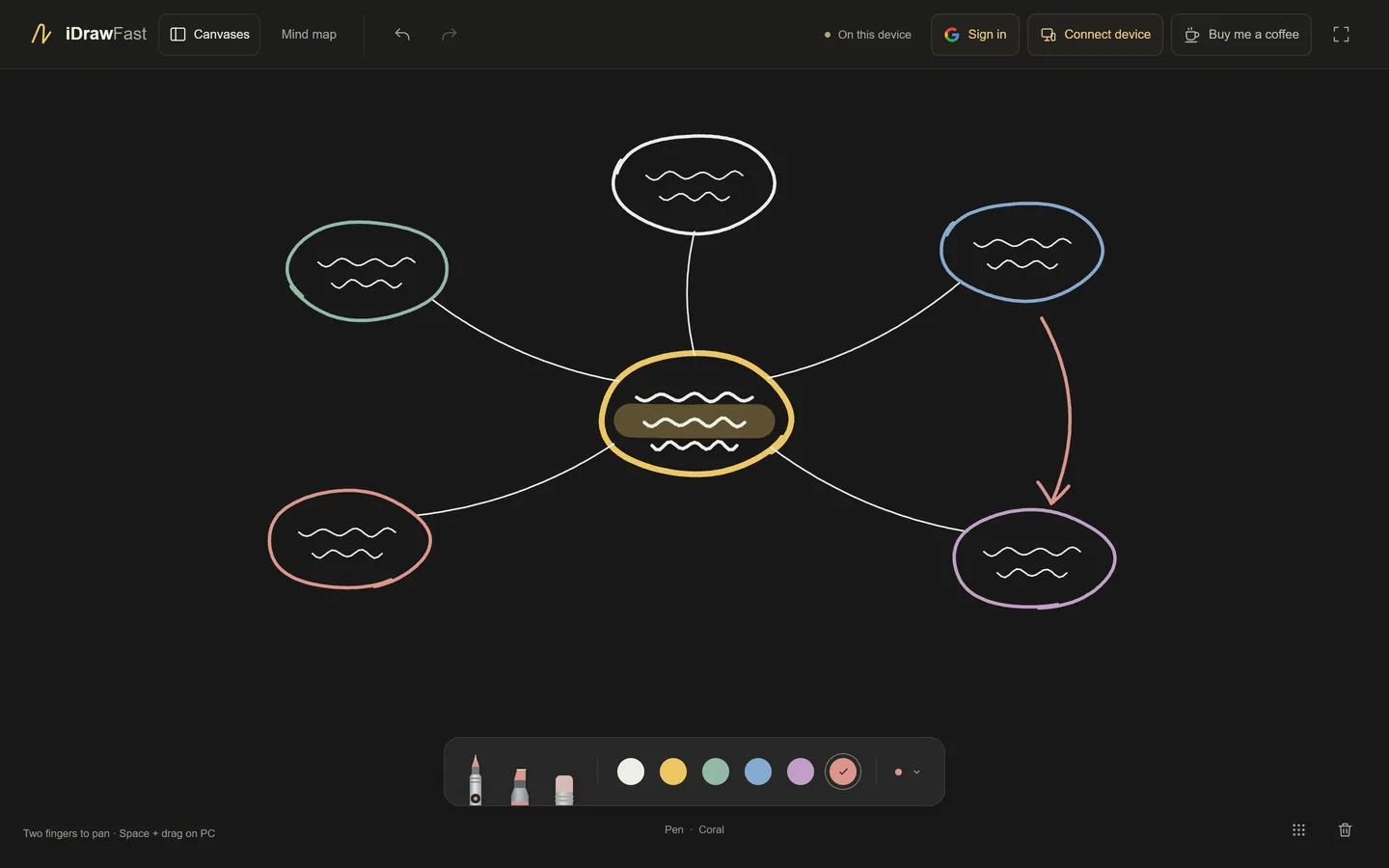
What you need
- An iPad or iPhone with a current browser such as Safari. Apple Pencil is optional; a finger works too.
- A computer with a modern browser: Chrome, Edge, Firefox or Safari on Windows, macOS, Linux or ChromeOS.
- An internet connection on both devices. They do not need to share a Wi-Fi network.
Connect the two devices in under a minute
- On your PC, open idrawfast.ezels.dev and choose Connect device. A QR code and a board link appear.
- On your iPad, point the Camera app at the QR code and tap the link that appears. Without a camera, copy the link and send it to the iPad instead.
- Wait for the status in the top bar to read “2 devices connected”.
- Draw on the iPad. Your strokes appear on the PC as you make them. Drawing with a mouse on the PC shows up on the iPad too.
Both browsers remember the connection, so the devices reconnect on their own the next time you open the site. For a full walk-through and fixes for common problems, read how to pair your devices with a QR code.
What appears on the PC
Everything you draw is shared: pen, highlighter and eraser strokes, ink color and width, and undo, redo and clear. With Apple Pencil, the pen’s width follows pressure.
Each device moves around the board independently. Pan with two fingers on the iPad, or hold Space and drag, use the middle mouse button or scroll on the PC. Moving your view never shifts the other screen. On a PC, the full screen button in the top bar gives the board your whole display.
What it is not
iDrawFast sends stroke data, not video. It is not a screen mirror and not a tablet driver, so it cannot draw into Photoshop or other desktop programs, and the board has no zoom, layers, text or image import. If you need to draw inside another program, see using an iPad as a drawing tablet for your PC.
Keeping your drawing
Canvases save automatically in the browser on each device. Use Canvases to create, rename, switch between and export them. Clearing the browser’s site data removes saved canvases, so export anything you want to keep. Nothing is stored on a server.
Questions people ask
Do I need to install an app?
No. iDrawFast runs in the browser on both devices. Open the site on your iPad and on your PC and pair them.
Is it free?
Yes. There are no ads and no analytics scripts. A voluntary tip through Ko-fi is available but never required.
Do my iPad and PC need to be on the same Wi-Fi?
No. On the live site both devices only need an internet connection, so they can be on different networks.
Can I draw on the PC and see it on the iPad?
Yes. The board is shared in both directions, so strokes from either device appear on the other.
Does it work on an iPhone?
Yes. The steps are the same; the board is just smaller on a phone screen.
Keep reading
- Apple Pencil on a PC: Draw on iPad, See It on WindowsApple Pencil cannot connect to a Windows PC directly. Draw with it on your iPad and have the strokes appear on your computer in real time, in the browser.
- Pair Your iPad and PC With a QR Code (and Fix Problems)How iDrawFast pairing works, three ways to join a board, and fixes for camera, connection and reconnect problems between your iPad, iPhone and computer.
- Show Your iPad Drawing on Zoom, Google Meet, Teams or OBSDraw on your iPad, then share the board window from your PC in a video call or capture it in OBS. Steps, tips and a privacy reminder for teachers and streamers.
- Supported Devices and Browsers for iDrawFastWhich iPads, phones, PCs and browsers work with iDrawFast, how pen, touch and mouse input are handled, and what to check if the board will not load or connect.