Saving and backing up your drawings
iDrawFast has no server-side storage, so where your drawing lives matters. This guide explains what is saved automatically, what can delete it, and how to keep an independent copy.
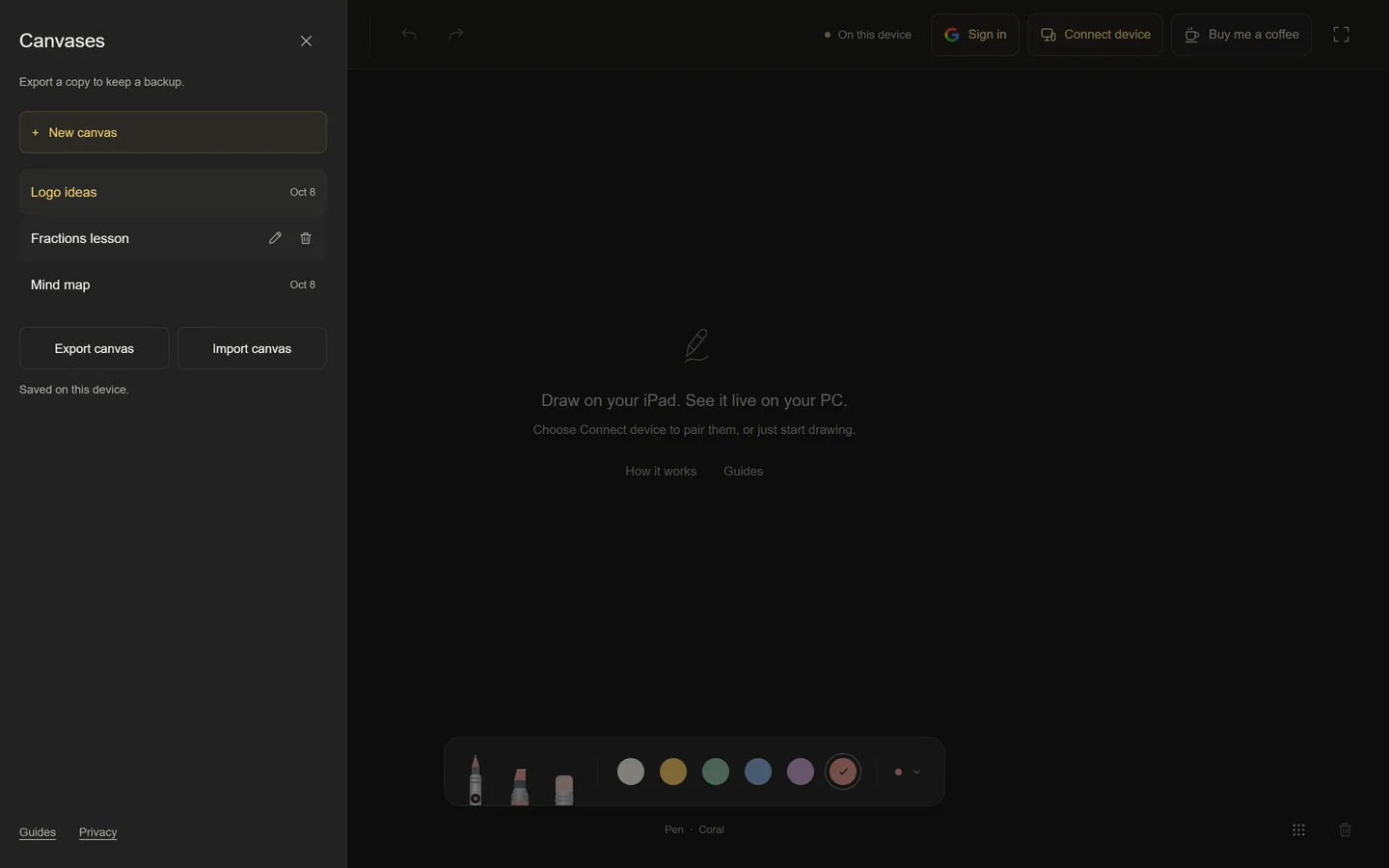
Where drawings are saved
Every canvas is saved automatically in your browser’s local database on the device where you drew it. There is no cloud copy and no account needed. Pairing devices does not move the drawing to a server either: each device keeps its own copy of the shared board.
What can erase a canvas
- Clearing the browser’s site data or cookies.
- Using a private or incognito window, which discards storage when it closes.
- Losing, resetting or replacing the device.
- A browser that frees storage when the device is very low on space.
For anything important, keep an exported copy.
Export and import
- Open Canvases and choose Export canvas. A file ending in
.idrawfast.jsonis downloaded. - On any device, open Canvases and choose Import canvas, then pick the file. It is added as a new canvas.
Exports are iDrawFast files, not pictures. There is no PNG or PDF export; take a screenshot if you need an image.
Deleting and restoring
Deleting a canvas moves it to Recently deleted in the Canvases panel, where it can be restored. Clear on the board only empties the drawing and can be undone.
Sharing canvases between your own devices
Signing in with Google is optional. Signed-in devices exchange their saved canvases directly while both are online. Nothing is stored in between, so this is not a cloud backup: if every device loses its copy, the canvas is gone. Signing out forgets this browser’s device pairing and leaves its saved canvases in place.
Questions people ask
Can I export my drawing as an image?
Not at the moment. Export creates an iDrawFast file you can import again; use a screenshot for a picture.
Is there a limit to how much I can draw on one canvas?
A canvas holds up to 5,000 actions, which are strokes and clears. When it is full the app asks you to start a new canvas.
Do my drawings sync automatically between devices?
Paired devices share the live board, and signed-in devices swap saved canvases while online. Otherwise each device keeps its own copy.
Keep reading
- Free Online Whiteboard With No Sign-Up | iDrawFastA free freehand whiteboard that opens instantly in your browser. No account, no ads, no analytics. Draw with a mouse, finger or Apple Pencil and share with a link.
- Teach Math Online With an iPad and Apple PencilHandwrite worked examples on your iPad while students watch on your shared PC window. Setup, pen settings, one canvas per lesson, and how to keep your notes.
- Supported Devices and Browsers for iDrawFastWhich iPads, phones, PCs and browsers work with iDrawFast, how pen, touch and mouse input are handled, and what to check if the board will not load or connect.