A free online whiteboard that needs no account
iDrawFast opens straight into a blank board: no sign-up, no install and no ads. Draw with a mouse, a finger or Apple Pencil, and invite another device with a QR code or link. It is a simple freehand whiteboard, built for quick sketches and for drawing on one device while watching on another.
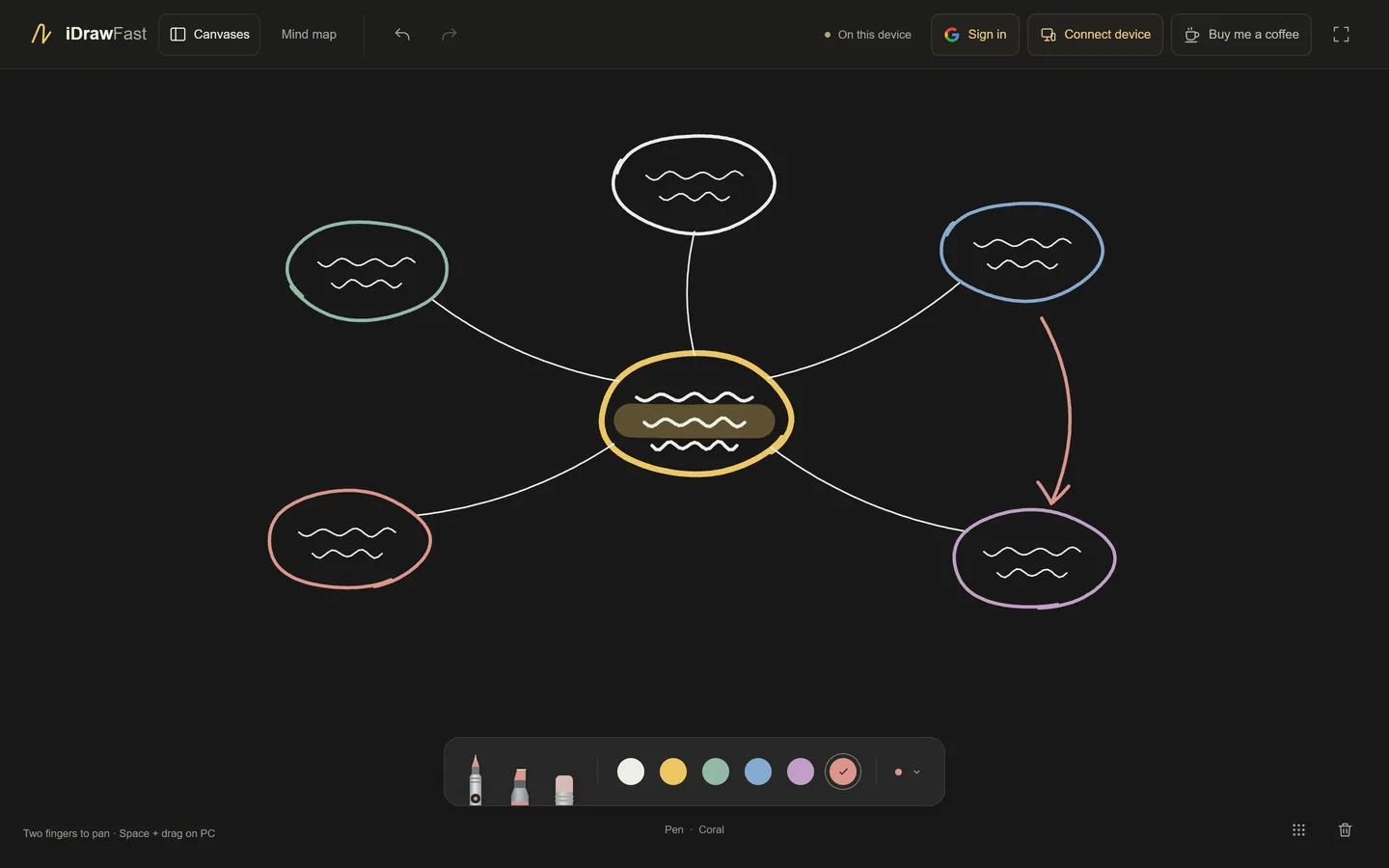
What you get
- Pen, highlighter and eraser with six colors and four widths.
- Undo, redo and clear that stay in step across every connected device.
- A board you can pan in any direction, with an optional dot grid.
- Up to eight devices on one board, joined by QR code or link.
- Canvases saved in your browser, with export and import.
What it does not do
This is a drawing board, not a full collaboration suite. There are no shapes, text boxes, sticky notes, image uploads, layers or zoom. If you need those, a larger whiteboard product will fit better. If you want something that opens in seconds and works with Apple Pencil, this is built for that.
Sharing a board
Choose Connect device to show a QR code and a link. Anyone who opens it joins the same live board. The link contains a random key, so only people you give it to can find it. See pairing and troubleshooting for details.
Privacy and storage
Drawings live in each device’s browser. The connection relay passes strokes between devices without storing them, and there are no advertising or analytics scripts. Signing in with Google is optional and only lets your own signed-in devices exchange canvases while they are online. Read the privacy page for the full picture.
Questions people ask
Do I need an account?
No. You can draw and connect devices without signing in. Google sign-in is optional and only helps your own devices swap saved canvases.
Are my drawings stored on a server?
No. Canvases are saved in your browser. The relay that connects devices does not keep drawings.
How many people can join a board?
Up to eight devices can share one board at the same time.
Is it really free?
Yes. There is no paid tier and no ads. If you like it, a voluntary tip through Ko-fi is available.
Keep reading
- Draw on iPad and Show It on Your PC, Live and FreePair an iPad and a PC with a QR code and watch every stroke appear on the PC as you draw. Free, runs in the browser, nothing to install.
- Show Your iPad Drawing on Zoom, Google Meet, Teams or OBSDraw on your iPad, then share the board window from your PC in a video call or capture it in OBS. Steps, tips and a privacy reminder for teachers and streamers.
- Pair Your iPad and PC With a QR Code (and Fix Problems)How iDrawFast pairing works, three ways to join a board, and fixes for camera, connection and reconnect problems between your iPad, iPhone and computer.
- How to Save, Export and Back Up Your iDrawFast DrawingsWhere iDrawFast keeps your canvases, how to export and import them, what can erase them, and how signing in lets your own devices swap saved canvases.