Teaching math online with an iPad and Apple Pencil
Handwriting is still the quickest way to show a worked example. With iDrawFast you write on the iPad with Apple Pencil and share the PC window that mirrors it in your video call, so students watch each step appear. There is nothing for them to install.
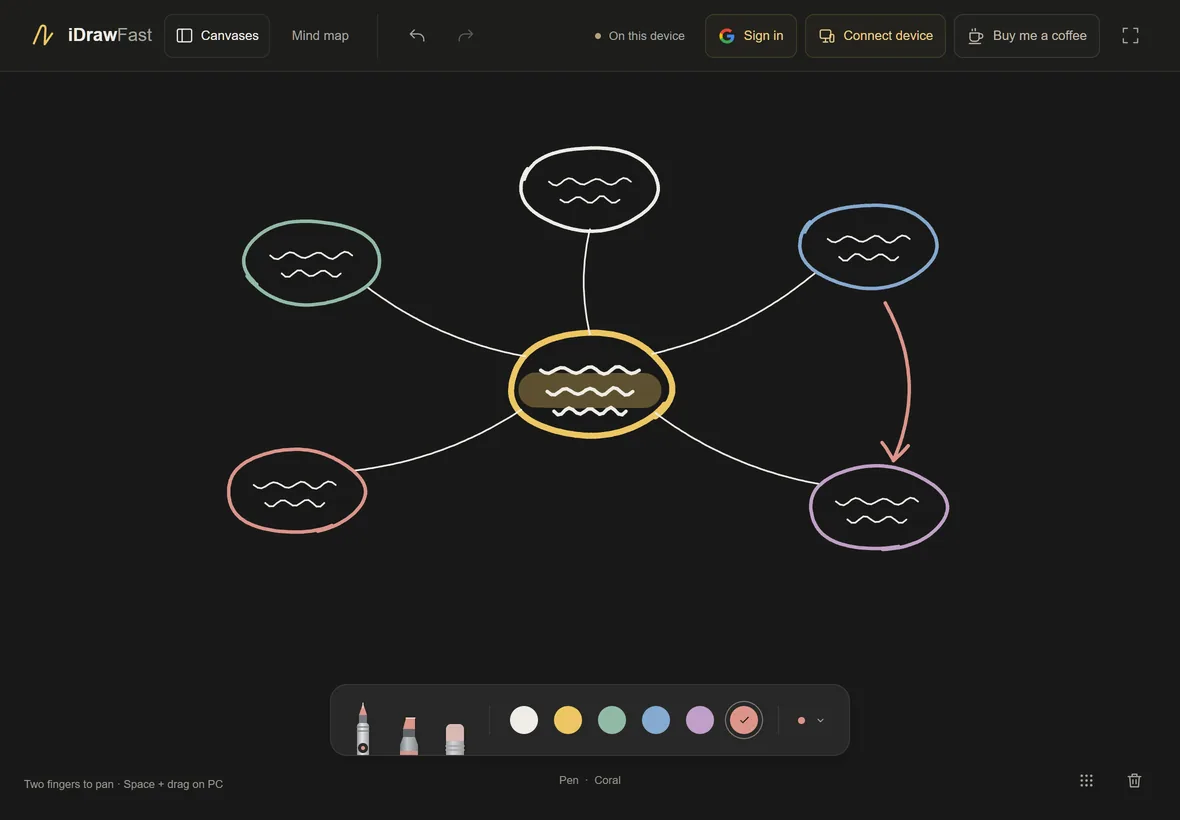
A simple setup
- Open iDrawFast on your PC and pair your iPad.
- Close the Connect device panel so the board link is not on screen.
- Share the browser window in your call, as described in sharing your iPad drawing in video calls.
- Write on the iPad. Students see the working build up line by line.
Pen settings that read well on a call
- Use the medium or bold pen for working and the broad pen for headings. Thin lines can disappear once a call compresses the video.
- Use the highlighter to mark the step or answer you are discussing.
- Chalk and yellow are the clearest colors on the dark board; use blue or coral for corrections.
- Turn on the dot grid to keep columns and fractions lined up.
One canvas per lesson
Open Canvases to create a new canvas for each lesson or student and rename it, for example “Algebra – week 3”. The board extends well beyond the screen, so when you run out of room, pan with two fingers instead of erasing. Switching canvases keeps the others exactly as you left them.
When something goes wrong
Undo and redo apply to whole strokes, and the eraser removes just part of a line. Clear wipes the board but can be undone, so a stray tap does not cost you the lesson.
Keeping your notes
Canvases are saved in your browser automatically. Export canvas saves a file you can re-open later with Import canvas. iDrawFast does not export images, so take a screenshot of the PC window if students need a picture. More in saving and backing up your drawings.
Students and privacy
Anyone with the board link can join and draw, so keep it out of the call chat unless you want students to draw too. Drawings are not stored on a server, and there are no ads or analytics scripts.
Questions people ask
Can students draw on the board too?
Yes, if they open your board link. Up to eight devices can share one board, so you can invite a student to write their own working.
Does iDrawFast record the lesson?
No. Use your video call or screen recording software to record. iDrawFast only shows and saves the board.
Keep reading
- Show Your iPad Drawing on Zoom, Google Meet, Teams or OBSDraw on your iPad, then share the board window from your PC in a video call or capture it in OBS. Steps, tips and a privacy reminder for teachers and streamers.
- Apple Pencil on a PC: Draw on iPad, See It on WindowsApple Pencil cannot connect to a Windows PC directly. Draw with it on your iPad and have the strokes appear on your computer in real time, in the browser.
- How to Save, Export and Back Up Your iDrawFast DrawingsWhere iDrawFast keeps your canvases, how to export and import them, what can erase them, and how signing in lets your own devices swap saved canvases.